WhatsApp DP Adjuster: Resize & Fit Any Photo Without Crop
Adjust and change WhatsApp DP size to 512, 640, or 1024 px. Preview the circular crop, auto-center faces, and convert any photo to a clean profile picture in seconds.

Drop your photo here
Generated DP Solutions
Click any style thumbnail to apply it instantly to your photo:
💡 Keep faces, logos, and important details inside this circle. The circular overlay is for preview simulation and is not drawn onto normal downloads. Drag to reposition · scroll or pinch to zoom.
Before & After Comparison
Side-by-side view of your original photo versus the fitted DPSizer profile picture result:
Fit
Fill the square frame edge to edge. Parts outside the square are trimmed.
Background
The square is filled with a mirrored reflection of your photo, keeping the whole subject on top.
Transparent background. Export as PNG to keep transparency.
JPG does not support transparency — the background will be filled white. Switch to PNG or WebP to keep it transparent.
Crop mode fills the entire frame — no background needed.
Position & Adjust
Tip: you can also drag the image, pinch on touch screens, or use arrow keys when the preview is focused.
Export
WhatsApp normally applies its own circular display crop. Use square export for normal profile-picture uploads.
These are DP Sizer export presets, not official WhatsApp requirements.
See the Difference
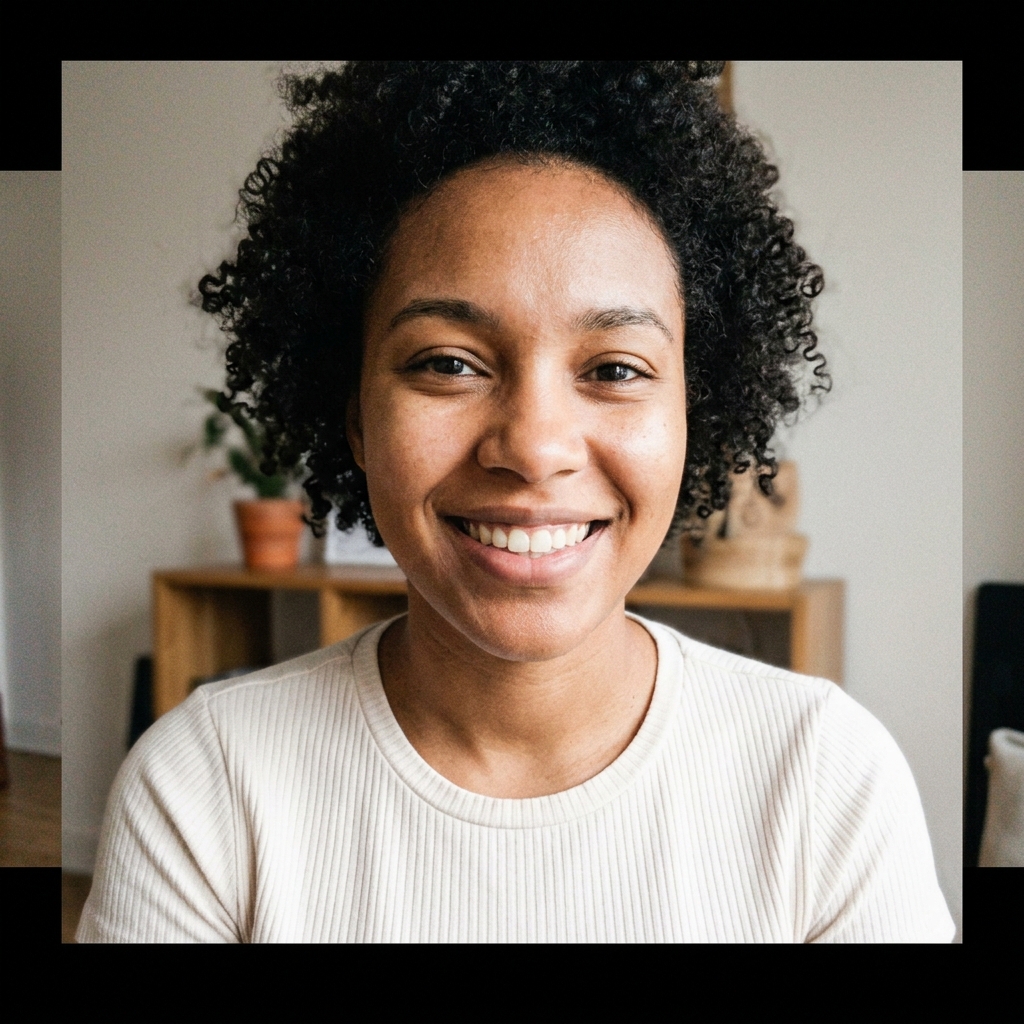
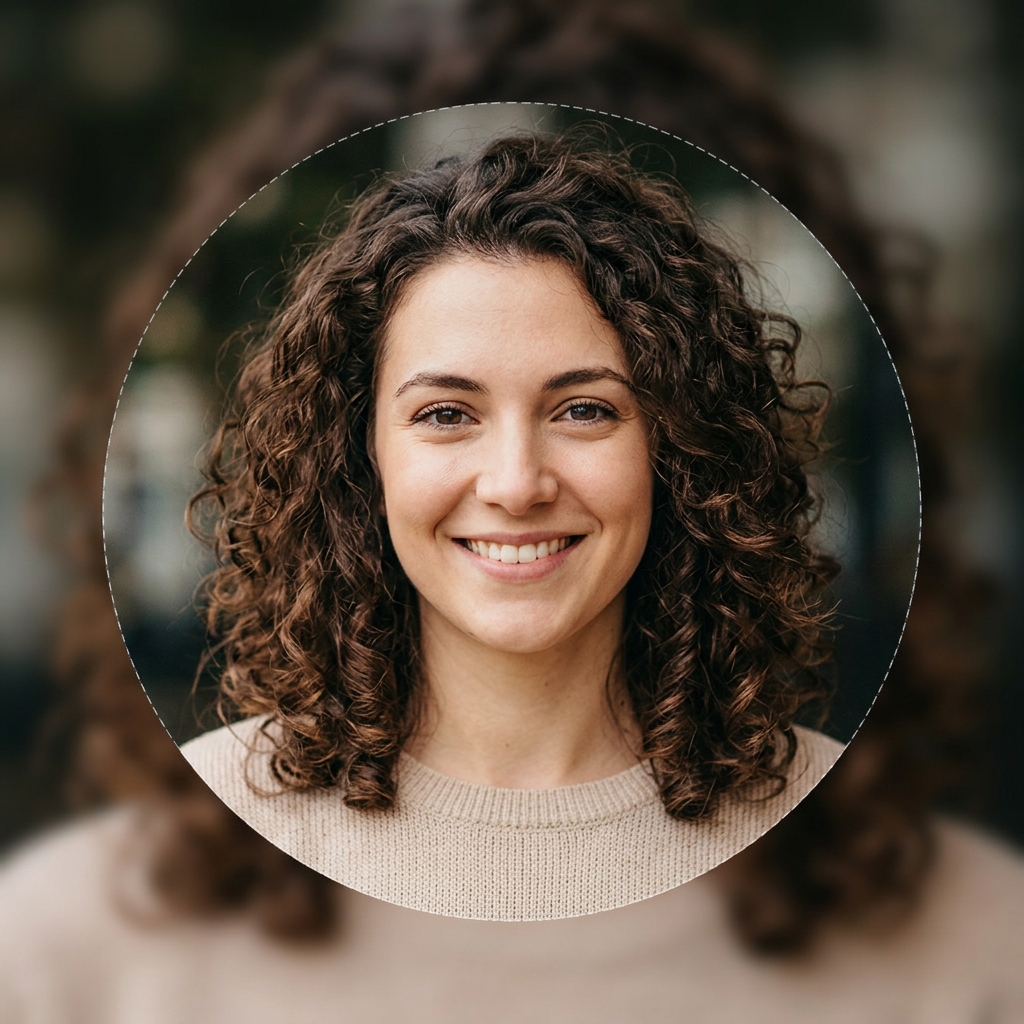
Drag the handle left and right to compare a raw photo upload versus a DPSizer result.
 Before
After
Before
After
The “Before” shows a raw photo uploaded directly. The “After” shows the same photo fitted with DPSizer’s blur background mode — face centred, nothing cropped.
The Complete WhatsApp DP Adjuster
Everything you need to adjust, resize, and convert any photo into a high-resolution WhatsApp profile picture.
Change WhatsApp DP Size in Seconds
WhatsApp requires every profile picture to sit inside a 1:1 square canvas before applying its circular display mask. If your image is an unedited rectangle, WhatsApp's default uploader forces an arbitrary crop that slices away edges. With DP Sizer, you can change WhatsApp DP size effortlessly in your browser. Select your preferred output dimension—such as our recommended 640×640 or 1024×1024 practical presets—and download an optimized square file in seconds. Because processing runs locally via the HTML5 Canvas API, your personal photos never touch external servers.
Make Any Photo Fit WhatsApp DP Size
Whether you are working with a tall vertical smartphone portrait, a 16:9 landscape vacation shot, or a wide group picture, you can make any photo fit WhatsApp DP size without losing faces or key background elements. While WhatsApp’s Help Center specifies a minimal baseline of 192×192 pixels, modern high-density smartphone screens demand higher resolution to look crisp. DP Sizer’s automatic face centering and safe-area margin controls keep every subject balanced inside the circle. Simply upload your photo to preview the exact circular crop before you download.
Convert Photo to WhatsApp DP Size
Converting high-resolution camera captures into WhatsApp-ready avatars requires balancing aspect ratio, resolution, and file compression. When you convert photo to WhatsApp DP size using DP Sizer, the tool handles format transcoding client-side. Convert iPhone HEIC snapshots, large DSLR JPEGs, or transparent PNG brand logos into clean 512, 640, or 1024 pixel squares. You can also fine-tune the compression quality slider around the ~90% sweet spot, ensuring your photo survives WhatsApp’s server-side recompression without unsightly pixelation or fuzzy halos.
WhatsApp DP Without Crop
The most frustrating part of updating your profile picture is WhatsApp trimming the outer edges of non-square photos. DP Sizer’s Full Photo mode lets you set your WhatsApp DP without crop. Instead of amputating shoulders, extra people in group shots, or commercial wordmarks, our tool places your entire photo in the center of a square canvas. It fills the extra top and bottom space with an elegant blurred extension of the same image, a solid brand color, or clean mirroring.
Built for Profile Pictures
Not a generic resizer — every control is designed around how messaging apps actually display avatars.
Fit Your Full Photo
Keep your full image visible instead of cutting away important areas.
Circular Preview
See how your image may appear when displayed as a circular profile picture.
Quality Controls
Choose practical output dimensions and compression settings.
Private Processing
Images stay in your browser — nothing is uploaded to our servers.
Fix Common WhatsApp DP Problems
Direct solutions for the most common profile photo frustrations.
My face gets cropped
Use Circle Preview and Auto Center Face to keep your head, hair, and chin comfortably in frame.
Use Circle Preview + Auto CenterMy whole photo doesn't fit
Use Full Photo mode to fit 100% of vertical or landscape photos with a natural blurred background.
Use Full Photo ModeMy family gets cut off
Use Multi-Face Safe Fit to keep couples, family members, and group photos visible together.
Fit Family & Group PhotoMy logo looks too large
Use Business Profile Picture mode with safe-area padding for store icons, brand logos, and headshots.
Use Business / Logo ModeMy picture looks blurry
Follow DP Sizer quality presets to export high-resolution JPG/PNG images that stay crisp.
Use Quality ExportPopular WhatsApp Tools
One engine, many jobs. Every tool below runs on the same editor above.
WhatsApp DP Resizer
Fit and resize profile pictures to a clean square export.
Full Photo DP
Keep your entire photo visible with a blurred or solid background.
Circle Crop Preview
Preview circular composition before you commit to a download.
WhatsApp Group Icon
Prepare square group images and logos that stay legible at small sizes.
Blurry DP Fix
Understand why DPs turn soft and export at sizes that stay sharp.
Profile Picture Size
Official WhatsApp guidance plus DP Sizer's practical export presets.
A clean WhatsApp DP in four steps
Upload your photo
JPG, PNG or WebP. Decoded locally — your photo never leaves the device.
Choose a fit
Crop to fill the square, or Full Photo to keep every pixel of the original visible.
Preview the circle
Toggle the circular preview and safe-area guides to check framing before export.
Export your DP
Pick a preset (512, 640 or 1024), a format and quality — then download. No watermark.
What WhatsApp actually says
Official WhatsApp guidance: use a profile image with a height and width of at least 192 pixels to help avoid low-quality profile pictures. Profile photos are displayed using a circular crop.
DP Sizer recommendation: start from the highest-quality original you have and export a square image using one of our practical presets — 512×512, 640×640 or 1024×1024. These are recommendations, not official WhatsApp requirements.
Keeping important content near the centre of a square image generally produces a cleaner circular result.
Source: WhatsApp Help Center — profile photo quality guidance. DP Sizer labels its own export presets separately as recommendations.
Common DP problems, solved properly
Blurry DP
Usually a tiny source image or heavy recompression. Start from the largest original you have and export at 640×640 or 1024×1024 with quality around 90%.
Head or edges cut off
WhatsApp shows a circular crop of a square image. Keep faces centred inside the safe area and check the circular preview before exporting.
Awkward crop on wide photos
Don't force a landscape photo to fill a square. Use Full Photo mode with a blurred, solid or mirrored background instead.
Understand what happens to your photo
Aspect ratio
Profile pictures display as a 1:1 square. Starting from a square canvas avoids surprise cropping later.
Resizing vs cropping
Resizing changes pixel dimensions; cropping changes what's visible. Good DP preparation combines both deliberately.
Compression
JPG and WebP trade detail for smaller files. Quality around 90% usually stays clean without bloat.
JPEG vs PNG vs WebP
PNG keeps sharp edges for logos, JPG suits photos, and WebP typically beats JPG at the same quality where supported.
DP Sizer research programme
We publish results only after real device testing — never invented numbers.
Profile picture size test
Comparing exports from 192×192 up to 2048×2048 to see where visible quality plateaus on real devices.
Compression test
JPG quality levels vs PNG vs WebP for profile pictures, measured by output size and perceived sharpness.
Safe area test
Calibration images with edge markers and centred faces to document how circular display crops square uploads.
Private by design
The whole tool runs on the Canvas API in your browser.
- Images are processed entirely in your browser and are not uploaded to DP Sizer servers.
- No accounts, no watermarks, no forced signups — ever.
- If privacy-conscious analytics are enabled later, they may record anonymous product events such as tool usage — never your image content or filenames.
- Questions about data handling? Write to [email protected].
Frequently Asked Questions
Direct, evidence-based answers to common WhatsApp DP sizing queries.
To change WhatsApp DP size without quality loss, export a 1:1 square image between 640×640 and 1080×1080 pixels at ~90% JPEG quality. While WhatsApp's official minimum is 192px, exporting at 640px from a high-resolution source prevents aggressive server downsampling. Use the DP Sizer Quality Preset to export crisp avatars.
Upload your original photo into DP Sizer's browser studio. The editor instantly places your image onto a square canvas. Choose Crop to Fit for portraits or Full Photo mode for wide photos, check the circular safe-area preview, and click Download to save your profile-ready image.
Select Full Photo Mode in DP Sizer. Rather than cutting your photo into a square, the tool fits your entire landscape or portrait image into the frame and fills the outer margins with a soft blurred background, keeping 100% of your original composition intact.
DP Sizer is an entirely browser-based WhatsApp DP adjuster built on the HTML5 Canvas API. Your pictures are decoded, resized, and rendered directly on your device without ever being uploaded to remote servers or third-party databases. Try the free DP Adjuster.
About DP Sizer
DP Sizer exists to make profile-picture preparation simple. We build browser-based image tools, pair them with evidence-based sizing guidance, and clearly separate official platform specifications from DP Sizer's own recommendations.
We launched with WhatsApp first. The underlying editor is designed to support additional profile-picture platforms later, after each platform’s guidance and tool experience has been properly tested.
Terms in brief
DP Sizer is free to use, provided as-is, without warranty. You keep all rights to your images. DP Sizer is an independent image utility and is not affiliated with, endorsed by or sponsored by WhatsApp or Meta. All trademarks belong to their respective owners.